Staying organized is one of the biggest challenges teachers face. Between lesson planning, grading, meetings, parent communication, and classroom management, it’s easy to feel overwhelmed. A well-designed teacher planner can help you stay on top of your responsibilities while reducing stress and improving productivity.
Whether you’re a new teacher or a seasoned educator, these teacher planner ideas will help you create a system that keeps your classroom running smoothly throughout the school year.
Why Every Teacher Needs a Planner
A teacher planner is more than just a calendar. It’s a personal organization system that helps you:
- Plan lessons efficiently
- Track student progress
- Manage classroom schedules
- Organize important meetings
- Record attendance and grades
- Keep important notes in one place
- Reduce daily stress
- Save time during busy weeks
Having everything organized in one planner means you can spend less time searching for information and more time focusing on your students.
1. Create a Year-at-a-Glance Calendar
Start your planner with a yearly overview that includes:
- School holidays
- Professional development days
- Testing dates
- Report card deadlines
- Parent-teacher conferences
- School events
- Personal appointments
Seeing the entire year at once helps you prepare well in advance.
2. Set Teaching Goals
Dedicate a section for yearly and monthly goals.
Examples include:
- Improve student engagement
- Introduce new classroom routines
- Complete curriculum on schedule
- Increase reading comprehension scores
- Develop stronger parent communication
Review your goals regularly to stay motivated.
3. Weekly Lesson Planning Pages
Weekly planning pages are the heart of any teacher planner.
Include space for:
- Subjects
- Learning objectives
- Materials needed
- Classroom activities
- Homework assignments
- Assessment plans
- Reflection notes
Color-coding different subjects can make planning even easier.
4. Curriculum Planning Section
Map out your curriculum before the school year begins.
Organize by:
- Units
- Standards
- Learning outcomes
- Major projects
- Assessment dates
Having a curriculum roadmap prevents last-minute planning.
5. Student Information Pages
Keep important student information together, including:
- Class roster
- Emergency contacts
- Learning accommodations
- Student birthdays
- Seating chart
- Parent contact information
Always store sensitive information securely and follow your school’s privacy policies.
6. Attendance Tracker
A simple attendance log allows you to quickly monitor:
- Daily attendance
- Tardiness
- Early dismissals
- Absences
- Patterns that may require follow-up
This information is especially helpful during conferences and administrative reporting.
7. Grade Tracker
Instead of juggling multiple spreadsheets, include a grade tracking section for:
- Homework
- Quizzes
- Tests
- Projects
- Participation
- Final grades
Keeping grades organized makes report card season much less stressful.
8. Parent Communication Log
Record every important conversation with parents.
Include:
- Date
- Parent name
- Reason for contact
- Summary of discussion
- Follow-up actions
This creates a helpful record if questions arise later.
9. Classroom Management Notes
Track classroom behavior using dedicated pages for:
- Positive behavior observations
- Behavior interventions
- Reward systems
- Individual student goals
- Classroom expectations
These notes help identify patterns and celebrate progress.
10. Meeting Notes
Teachers attend many meetings throughout the year.
Reserve pages for:
- Staff meetings
- Department meetings
- IEP meetings
- Professional development
- Team planning sessions
Include action items so nothing gets forgotten.
11. Budget and Expense Tracker
Many teachers purchase classroom supplies with personal funds.
Track:
- Supply purchases
- Classroom donations
- Reimbursements
- Monthly spending
- Wish lists
This makes budgeting easier throughout the year.
12. Assessment Tracker
Monitor student assessments in one place.
Track:
- Assessment dates
- Skills assessed
- Student performance
- Areas needing review
- Intervention plans
This information helps guide future lesson planning.
13. Reflection Pages
Reflection encourages professional growth.
At the end of each week, ask yourself:
- What worked well?
- What didn’t go as planned?
- Which lessons were most engaging?
- What should I change next week?
- Which students need extra support?
Small reflections lead to big improvements over time.
14. Notes and Ideas Section
Inspiration often appears unexpectedly.
Use blank pages for:
- Lesson ideas
- Classroom decoration inspiration
- Book recommendations
- Teaching strategies
- Student project ideas
- Professional development notes
Having a dedicated space prevents great ideas from being forgotten.
15. Self-Care Planning
Teachers often prioritize everyone else before themselves.
Include reminders for:
- Exercise
- Water intake
- Personal appointments
- Mental health breaks
- Vacation planning
- Reading for enjoyment
A healthy teacher creates a healthier classroom.
Tips for Using Your Teacher Planner Effectively
To get the most from your planner:
- Review it every morning.
- Update it before leaving school.
- Use sticky notes for temporary reminders.
- Color-code subjects or grade levels.
- Check upcoming deadlines every Friday.
- Keep important documents in planner pockets or folders.
- Don’t aim for perfection—consistency matters more.
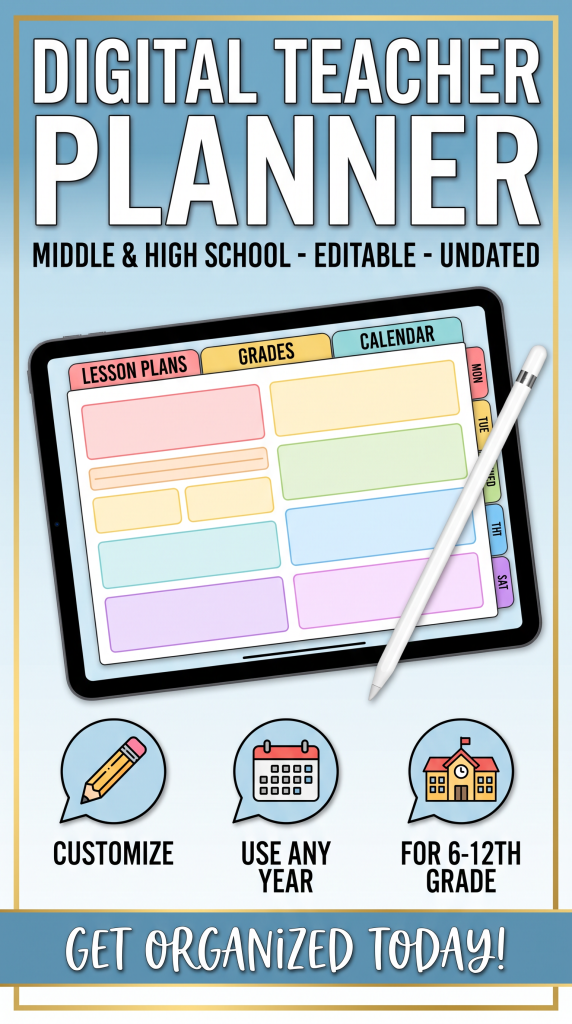
Digital vs. Paper Teacher Planners
Both formats have advantages.
Paper Planner
Pros
- Easy to write in
- No battery required
- Reduces screen time
- Encourages creativity with stickers and color coding
Cons
- Cannot automatically sync
- Harder to edit once written
Digital Planner
Pros
- Searchable
- Easy to duplicate pages
- Cloud backup
- Accessible on multiple devices
Cons
- Requires a device
- May lead to distractions
- Less satisfying for teachers who prefer handwriting
Choose the format that best matches your teaching style and daily routine.
Final Thoughts
An organized teacher is better equipped to create a positive learning environment. A thoughtfully designed teacher planner serves as your classroom command center, helping you manage lessons, student records, communication, and personal goals all in one place.
The best planner isn’t the one with the most pages—it’s the one you’ll use consistently. By incorporating these organization ideas into your planner, you’ll spend less time managing paperwork and more time inspiring your students every day.